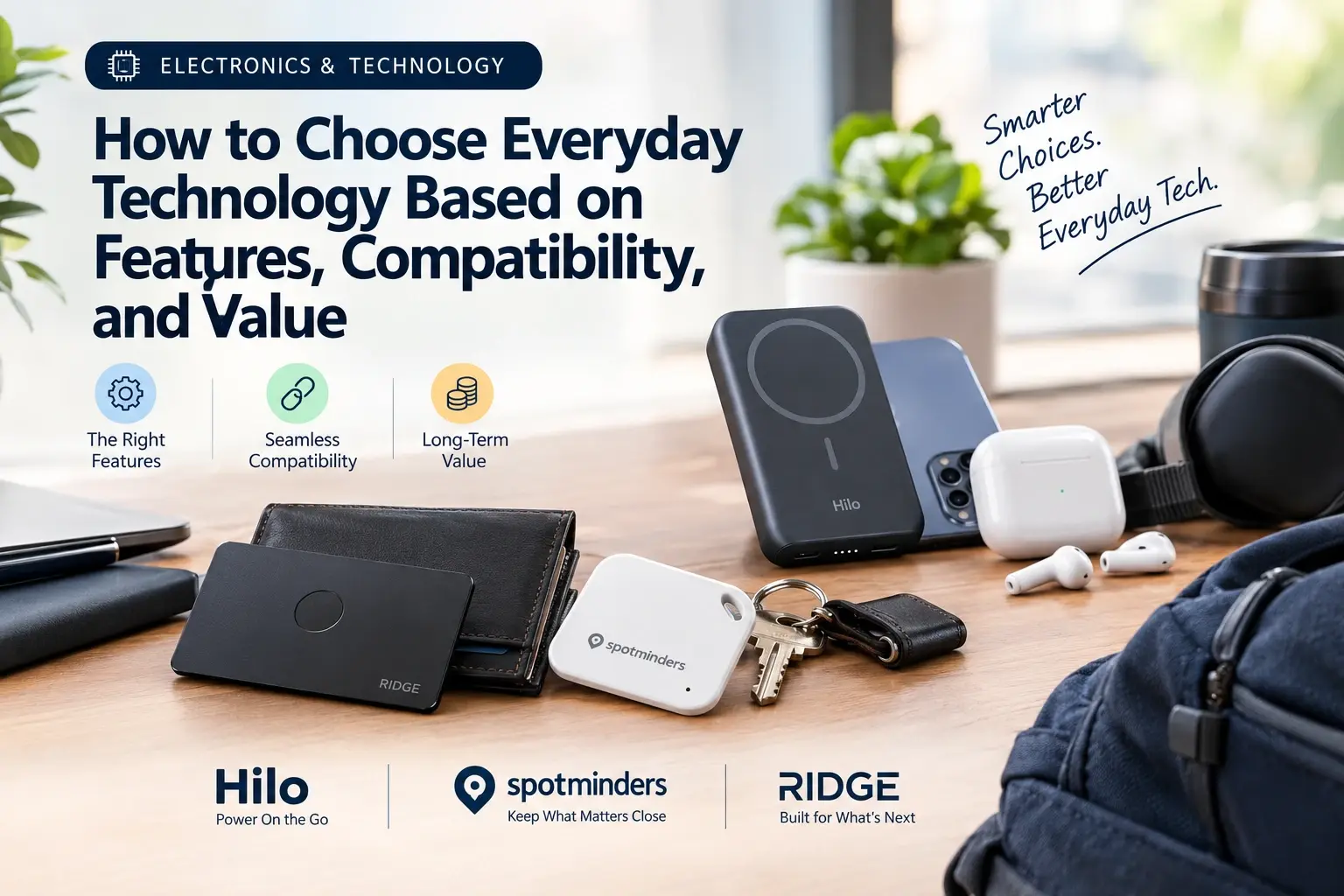
How to Choose Everyday Technology Based on Features, Compatibility, and Value
Learn how to choose everyday technology by comparing essential features, device compatibility, total costs, warranties, and return policies for smarter purchases.
Recent Blogs
-
Jewellery and Piercings: Expressing Your Personal Style Through Accessories
-
Small Accessories, Big Impact: Ways to Elevate Everyday Outfits
-
How to Style Bracelets, Necklaces and Piercing Jewellery Together
-
Best Everyday Jewellery and Accessories for Every Personal Style
-
The Ultimate Guide to Building a Versatile Jewellery Collection
-
A Practical Guide to Everyday Pet Care: Comfort, Protection, and Hygiene
-
How to Choose the Right Pet Walking Gear for Safety, Comfort, and Control
By William Ashby
·October 14, 2026
Most disappointing gadget purchases fail in one of three ways. A feature sounded great but didn't fit your day. The device didn't work with the phone you actually own. Or the price looked low until you counted the batteries, subscriptions, and replacements.
This guide gives you a simple way to check all three before you spend anything. It works for trackers, chargers, earbuds, smart-home gear, and most other everyday tech. Along the way, we use real products as examples so the ideas don't stay abstract.
The short answer: To choose everyday technology, define the job it needs to do, confirm it works with the devices and standards you already use, shortlist only the features that change how you'd use it daily, and then compare total cost over time, including charging, subscriptions, warranty, and return window.
Start With the Job, Not the Product
Product pages lead with specs. Better decisions start with a sentence: "I need to..."
- "...stop leaving my wallet in taxis."
- "...get through a long travel day without hunting for an outlet."
- "...carry less in my pockets."
A clear job statement does two things. It filters out features you'll never use, and it gives you a test for the product later: does this solve the sentence or not? If you can't finish the sentence, you may not need the gadget yet.
Which Features Actually Matter?
Not every spec deserves equal attention. Ask whether a feature changes how you'd use the device on an ordinary Tuesday.
Rule of thumb: Pick two or three must-have features from your job statement and treat everything else as a tiebreaker.
How to Check Compatibility Before You Buy
Compatibility is the quietest deal-breaker in consumer tech. It rarely appears in headlines, but it decides whether a gadget works at all.
Three Layers of Compatibility
- Platform compatibility: Does it work with your phone's operating system and the app or network it relies on?
- Standards compatibility: Does it use the connection or charging standards you already own, such as Bluetooth, Qi, MagSafe wireless charging, or USB-C?
- Physical compatibility: Does it fit your wallet, bag, case, or desk setup?
Wallet trackers show how much platform compatibility matters. Apple's Find My network and Google's Find Hub network are separate systems, and a tracker built for one doesn't automatically work on the other.
Spotminders vs. Ridge: Which Tracker Fits Your Phone?
For example, Spotminders makes ultra-slim tracking cards that, according to the brand's own FAQ, are currently optimized for Apple devices and the Find My app only, with Apple MFi certification. That's a clear fit if your household runs on iPhones. If anyone who'd use the tracker has an Android phone, it's a limitation to know about up front.
Ridge's Tracker Card takes a different route. Its product page lists both Apple Find My and Google Find Hub support, so Ridge's tracker and wallet range is worth a look if you want one tracker that works with either type of phone.
Neither approach is automatically better. They answer different compatibility needs. This is why reading the compatibility line, not just the headline feature, saves returns.
Check Charging Standards Before Buying
Check the standards layer the same way. Both of these trackers recharge wirelessly. Spotminders describes wireless charging on a compatible pad, and Ridge says its card charges on any Qi or MagSafe charger.
If you don't own a wireless charger, add that cost to your budget before deciding.
How to Judge Value Beyond the Price Tag
A low price isn't the same as good value. Compare what you'll actually spend over the life of the product.
Ongoing Costs and Charging
Does the device need a subscription or disposable batteries? How often will you recharge it, and how easily can you do so? Consider the cost of any additional chargers, accessories, or replacement parts.
Warranty and Return Policy
Check what the warranty covers and for how long. Read the actual terms rather than relying on the headline.
Also, check the trial and return window. A longer window gives you more time to test the product in real-life conditions.
Replacement Options and Long-Term Value
Consider what happens if the product gets lost, damaged, or stops working. A device with a clear replacement path may offer better long-term value than a cheaper alternative with limited support.
Using these questions, Spotminders states there's no monthly fee, a rechargeable battery rated for up to eight months per charge, a 100-day money-back guarantee, and a lifetime warranty.
Ridge lists a 99-day risk-free trial and a Built for Life warranty program on its product pages.
Battery life figures are manufacturer claims, and real-world results depend on use, so treat them as best-case benchmarks and use the trial period to confirm they hold up for you.
A generous trial doesn't make a product right for you. But it lowers the cost of finding out, which is a real form of value.
Three Everyday Problems and How to Solve Them
1. "I Keep Misplacing Things"
Your goal: Find a wallet, keys, or luggage quickly.
The deciding factor is form. A card slides into a wallet, while a tag attaches to keys or a bag.
Spotminders' range covers several shapes, including a rechargeable Smart Tag, luggage tag, and passport holder, so you can match the form to the item.
Ridge's card is designed for wallets and notes that range may vary when it sits inside a Ridge wallet. The brand suggests placing it under the cash strap or money clip for best performance.
2. "My Phone Dies Before I Do"
Your goal: Keep your phone powered during a long day.
Look at capacity, but also at portability and compatibility. Printed capacity in milliamp-hours (mAh) is always higher than what reaches your phone because of conversion losses, so choose with a margin.
If your phone supports MagSafe, a magnetic power bank can snap on without a cable.
Ridge lists 10,000 mAh MagSafe-compatible power banks in its tech range, which is one example of the category. Check that your specific phone is supported before buying.
3. "I Want to Carry Less"
Your goal: Slim down your pockets without sacrificing everyday essentials.
A minimalist wallet trades capacity for convenience, so count the cards you truly carry daily.
Ridge's wallet is described as holding 1–12 cards with RFID-blocking plates.
RFID blocking guards against one specific type of theft. How often that occurs in practice is debated, so treat it as a bonus rather than the main reason to buy.
Privacy and Safety Checks
Trackers and Consent
Find My and Find Hub both warn people if an unknown tracker travels with them. Use trackers only on your own belongings and respect other people's privacy.
Batteries and Air Travel
The FAA says spare lithium batteries, including power banks, belong in carry-on baggage, not checked bags.
Spotminders also advises checking your airline's policy before putting an active tracker in checked luggage, since some airlines restrict them.
Accounts and Personal Data
Prefer devices that explain what data they collect and which apps or accounts they need. Review the privacy settings before connecting a device to your phone.
Buying From Official Sources
Lookalike shops exist. Confirm the web address before you pay, and read the seller's return and warranty terms.
A 7-Step Checklist for Choosing Everyday Technology
- Define the job: Write down the problem you want the product to solve in one sentence.
- Identify your devices: List your current devices and platforms, such as iPhone, Android, or both.
- Choose must-have features: Select two or three features that directly support your goal.
- Confirm compatibility: Check platform support, connection and charging standards, and physical fit.
- Compare total cost: Include ongoing fees, charging accessories, batteries, and replacements.
- Review warranty and return terms: Understand the conditions before placing your order.
- Test the product in real life: Use the trial window to check whether it solves your original problem, and return it if it doesn't.
Common Mistakes to Avoid When Buying Tech
- Buying based on one headline feature and ignoring the rest of the specifications.
- Assuming "works with Bluetooth" means "works with my phone."
- Comparing sticker prices instead of total ownership costs.
- Treating battery-life and wireless-range figures as guarantees.
- Skipping the return policy until something goes wrong.
- Paying for features that don't match your actual needs.
Frequently Asked Questions
How Do I Know if a Gadget Is Compatible With My Phone?
Check the product page for your phone's operating system, the network or app it uses, such as Apple Find My or Google Find Hub, and any charging standard it needs. If compatibility isn't stated clearly, ask the seller before buying.
Which Features Matter Most When Choosing Tech?
Focus on features tied to your specific goal. These usually include battery life and charging, size, durability, platform support, and privacy. Treat extra features as tiebreakers.
Is a More Expensive Gadget Always Better?
No. Compare total cost over time and how well the device fits your needs. A higher price can be justified by longer battery life, better support, or a stronger warranty, but verify those benefits before paying more.
What's the Difference Between Apple Find My and Google Find Hub?
They're separate finding networks tied to different ecosystems. A tracker must be built and certified for the network you use. Some products support one network, while others list compatibility with both.
Can I Put a Tracker or Power Bank in Checked Luggage?
Power banks and spare lithium batteries generally must go in carry-on baggage under FAA guidance. For trackers, airline policies differ, so check your airline's rules before travelling.
How Big a Power Bank Do I Need?
Choose one with enough capacity to provide a margin over your phone's battery size, since printed mAh is higher than usable output. Consider how long you'll be away from a charger and whether you prefer a magnetic or cable connection.
What Should I Look for in a Return Policy?
Check the length of the return window, whether returns are free, whether the product must be unused, and whether warranty and trial terms are separate. Keep a copy or screenshot of the terms when you buy.
Conclusion
Good tech buying isn't about finding the most powerful product. It's about matching a clear need with a device that works with your setup and costs what it should over time.
Run the three checks: features, compatibility, and total value. Use the trial period to test your purchase in everyday conditions, and you'll make better decisions more often.
Whichever brands you consider, read the compatibility details first.